Leaving Salesforce is not just a data export and import project. In an organization that has used Salesforce for years, operational behavior may live across custom objects, Flow, Flow Orchestration, Apex, validation rules, permissions, integrations, and interfaces.
The right question is therefore not only “where do we move the records?” but which parts of the Salesforce architecture do we actually need to rebuild?
1. Separate CRM from custom processes
The first inventory should distinguish native CRM data and capabilities from business processes built on the platform. Accounts, contacts, opportunities, and activities may have a different destination from onboarding, orders, approvals, cases, or custom operational processes.
This prevents the assumption that every custom object must become an equivalent object on the next platform.
2. Do not migrate only data: map behavior
Salesforce provides data-export mechanisms including Data Export and Data Loader. But CSV files do not describe application behavior. For each area, inventory objects and relationships, Flow and orchestration, Apex and custom logic, validation rules, permissions, integrations, guided experiences, and in-flight processes.
3. Decide what to replace, retain, and remove
A migration is also an opportunity to decompose the architecture. Some capabilities may move to another CRM; some may remain in existing systems; others can become CRM-independent processes.
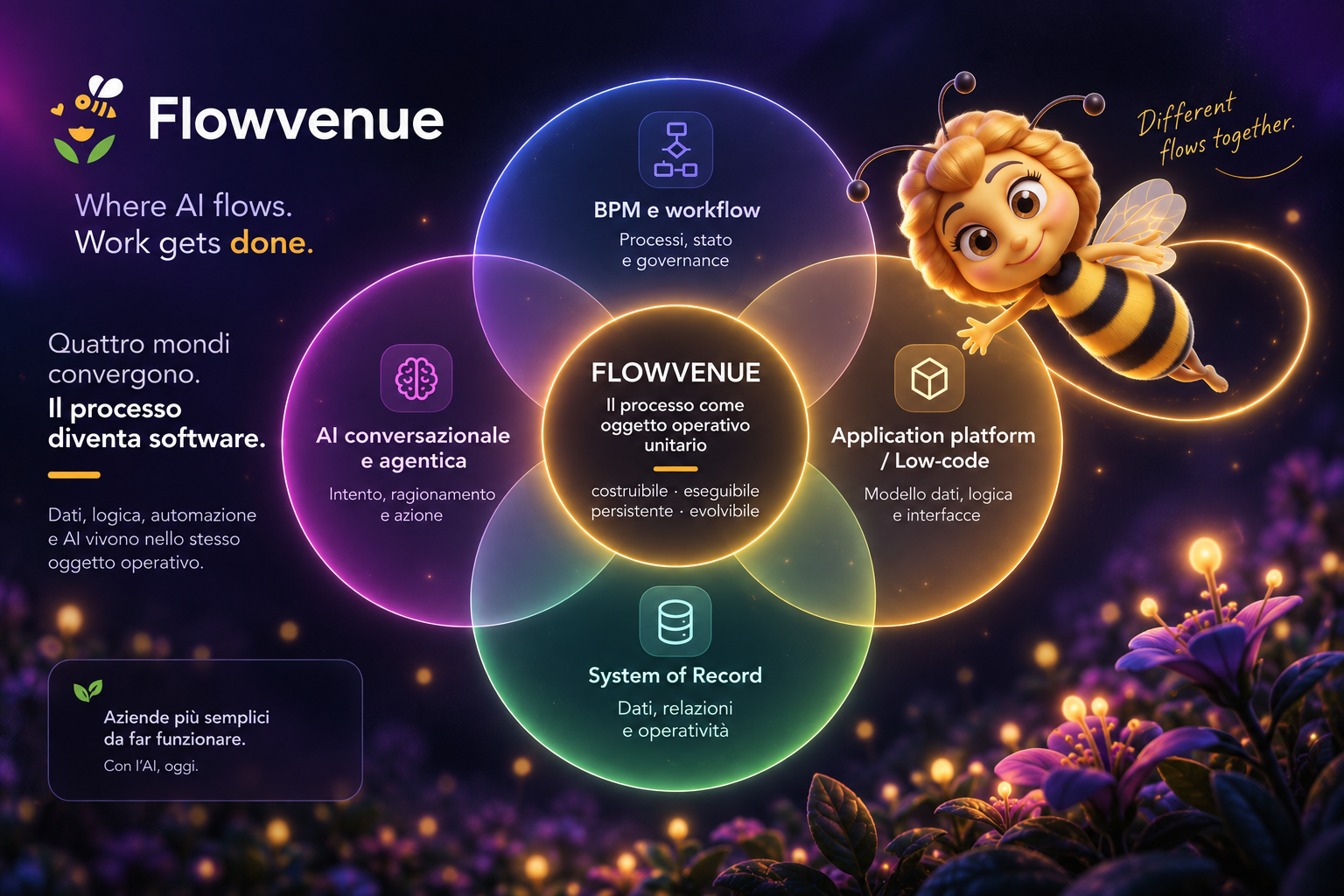
This third case is where a process-centric platform such as Flowvenue becomes relevant: the process owns an instance, state, current requirements, rules, actions, and integrations instead of being reconstructed as customizations around CRM records.
4. Migrating from Salesforce to Flowvenue does not mean copying Salesforce
A one-to-one approach — object by object, Flow by Flow, screen by screen — risks carrying accumulated complexity into the new system. An alternative is to start from the process:
- describe the operational outcome;
- identify the persistent entities required;
- define stages, actions, decisions, and requirements;
- connect systems that should remain systems of record;
- migrate only the data that is actually needed;
- test the process end-to-end before cutover.
5. Recreate the Salesforce data model with one click
Flowvenue includes a native Salesforce connector designed to reduce the initial migration effort. The Salesforce data model can be recreated in Flowvenue with one click, avoiding the need to manually redesign objects and the data structure from scratch.
After the model is replicated, data can be synchronized through batch flows. Salesforce can therefore remain operational during the transition while Flowvenue uses a consistent model for new processes.
6. Configure migration and processes in natural language
The next steps can be requested conversationally: for example, configure a synchronization batch, define which data should remain aligned, or build a process that uses the imported objects. The combination of a native connector, data-model replication, batch synchronization, and natural language turns migration from a purely technical project into a progressive path.
The operating model becomes: connect → replicate → synchronize → build by conversation → decouple progressively.
7. Handle in-flight work
Open work is one of the most delicate migration issues. Knowing that a record exists is not enough: you need to know where it is in the process, what has already happened, what information is missing, and what should happen next.
Process migration therefore requires a strategy beyond data migration. Some open instances may be completed in the old system; others may be initialized at an equivalent state in the new runtime.
8. Salesforce can remain during the transition
Moving away from Salesforce does not have to be a big-bang event. Flowvenue can govern new processes while Salesforce temporarily retains legacy data or processes. Integration allows the operational center to move progressively.
9. Measure Time-to-Process, not only license cost
When comparing destinations, measure not only licensing and migration costs but also the time and specialist skills required to turn a requirement into a running process. Flowvenue calls this Time-to-Process.
A cheaper platform can still require many components and specialists. An architectural migration may be worthwhile if it lowers the cost of every subsequent process change.
Salesforce exit checklist
- object and data-volume inventory;
- relationship and identifier mapping;
- Flow, Orchestration, and Apex inventory;
- integrations and external systems;
- users, roles, and permissions;
- reports and operational dependencies;
- open processes and in-flight instances;
- history, audit, and retention requirements;
- cutover and rollback strategy;
- end-to-end testing of priority processes.
Conclusion
Leaving Salesforce should not automatically mean rebuilding Salesforce somewhere else. Separate CRM data, application logic, and operational processes first; then choose the right architecture for each. In some cases the destination is another CRM. In others, the more important move is making business processes independent from CRM.
To explore alternatives to Salesforce and understand how process-centric platforms can fit your migration, see Salesforce alternatives and learn more about Flowvenue vs CRM and automation platforms.
Frequently Asked Questions
To move away from Salesforce, first inventory all data, custom objects, automation, Apex code, integrations, user permissions, and any ongoing processes. Then separate CRM-specific capabilities from custom operational processes before planning migration steps, cutover, and thorough end-to-end testing.
Yes, Salesforce provides export tools such as Data Export and Data Loader to export records. However, migrating data alone is not sufficient since application logic, automation, integrations, and process state require separate analysis and migration strategies.
Not necessarily. Evaluate why each custom object exists: some represent persistent business data, while others are implementation details of processes that can be redesigned or replaced in the new system architecture.
No, migrations can be phased. Salesforce can remain operational for legacy data and processes while new processes run on another platform, allowing a progressive transition.
Yes. Flowvenue includes a native Salesforce connector that can recreate the Salesforce data model with one click and synchronize data through batch flows. Migration and processes can also be configured through natural-language requests, enabling a progressive and flexible migration approach.